


A little camera.
A clever way to keep watch.
From a quiet stable to a busy gateway. See how your Spotted camera connects, wakes up and keeps you in the picture — without WiFi.
Let’s See How It Works
 No WiFi? No problem.
Ready when you need it.
What Uses Data? Tap To Find Out.
Your camera doesn’t stream video all day. It uses data when there’s something to send or something you want to see.
Quiet Camera. Quiet Connection.
In standby, your camera waits for movement instead of continuously streaming video. You don’t use live-view data just by leaving it switched on.
Cloud uploads and notifications can use data even when you aren’t watching. Usage depends on your settings, viewing time and the activity around your camera.
One SmartSIM. All UK Networks.
A better connection starts with a little flexibility.
 One SIM. More ways to connect.
Let your SIM find the connection.
We recommend using the Spotted SmartSIM. It connects across all UK networks and selects the best available connection where your camera is placed.
So you aren’t tied to just one network. Handy for fields, farms, woodland and those spots where coverage can be a little patchy.
Activate. Insert. Connect.
Activate your SmartSIM, insert it into the camera and follow the app setup.
You’ll still need a usable mobile signal. Contact us and we can check the connection at your mounting place.
Explore Spotted SmartSIMA Little Rest Goes A Long Way.
The camera saves energy by resting in standby, then wakes when its PIR sensor detects movement. This helps conserve battery power between events.
All Quiet For Now.
Within five metres, PIR detection should be reliable for normal movement.
Around five metres is the recommended range for reliable PIR detection. Movement at six to seven metres may still activate the camera, but it may not trigger every time. Beyond seven metres should be considered outside the expected PIR detection range. Installation height, movement, camera angle and temperature can also affect detection.
Plug In. Or Let The Sun Help Out.
Same rechargeable battery. Two ways to keep it topped up. Choose an option below.
More Time Watching. Less Time Charging.
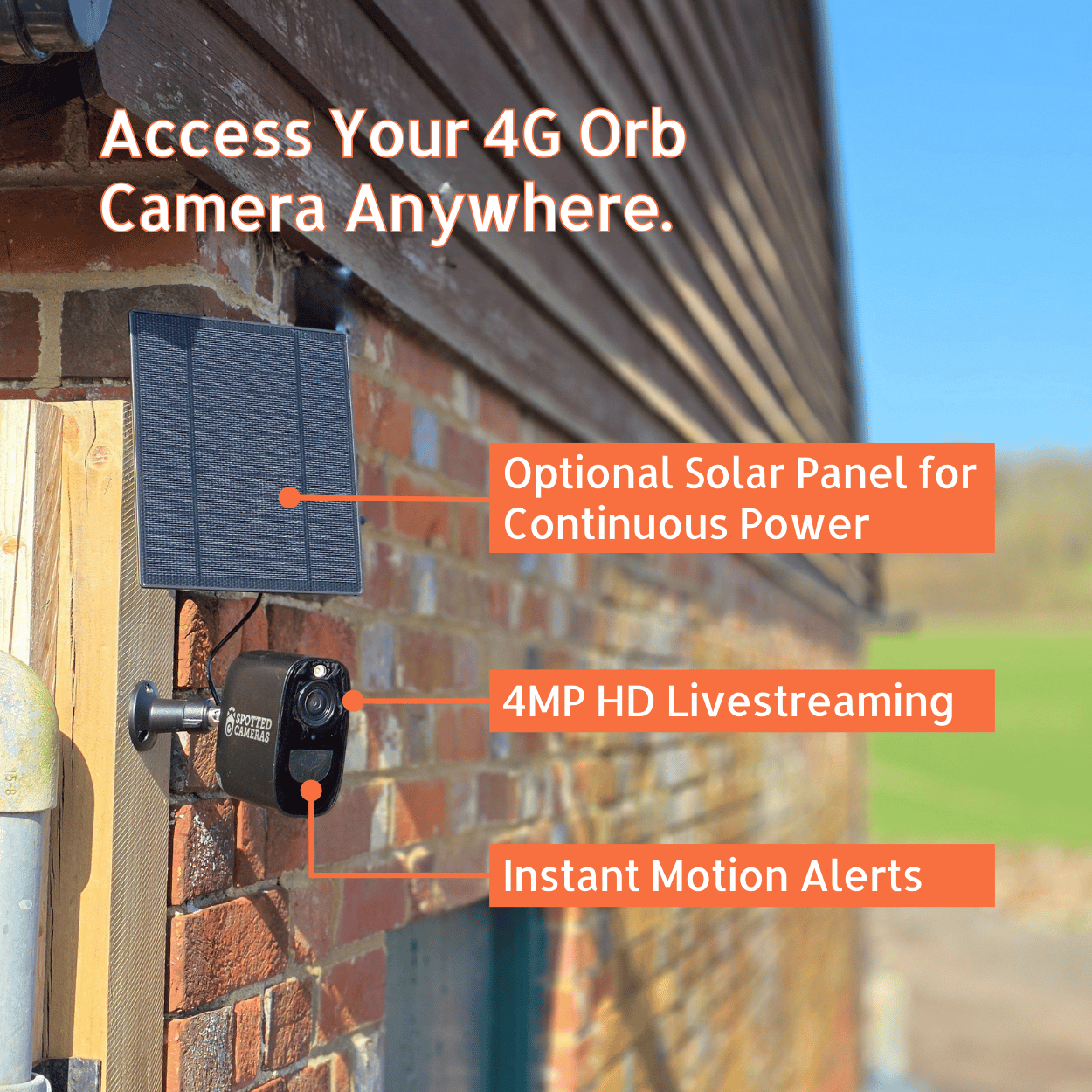
The optional solar panel tops up the camera’s internal battery during daylight. In a good sunny position, with suitable camera use, it should keep your camera charged year round.
Give it a clear view of the sky. Avoid shade from trees or buildings and keep the panel clean.
Short winter days, prolonged poor weather or lots of camera activity can mean an occasional USB-C top-up is needed.
View Solar Panel + MountPick Your Orb. Find Your View.
Same clever way to keep watch. Choose the finish that fits your surroundings.

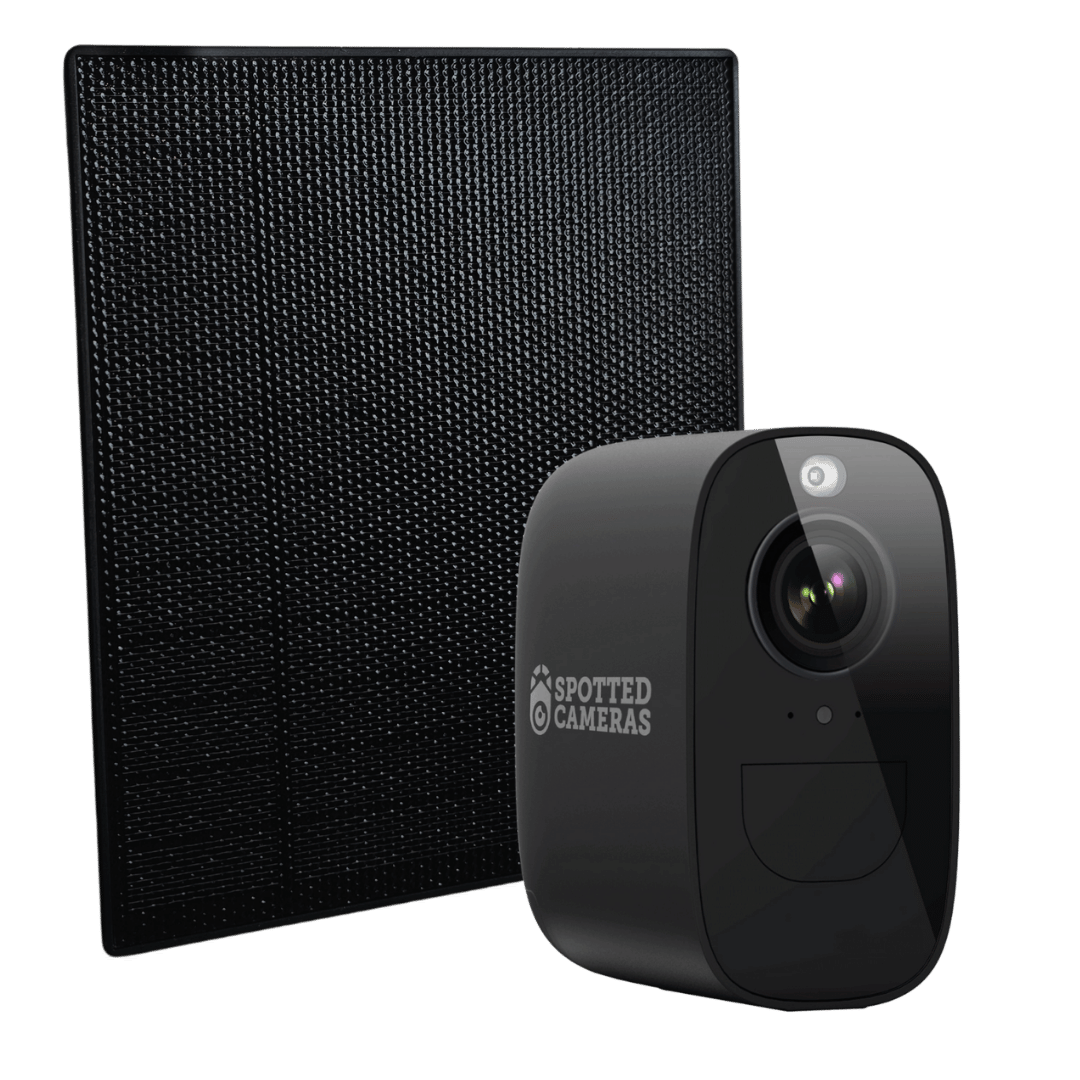
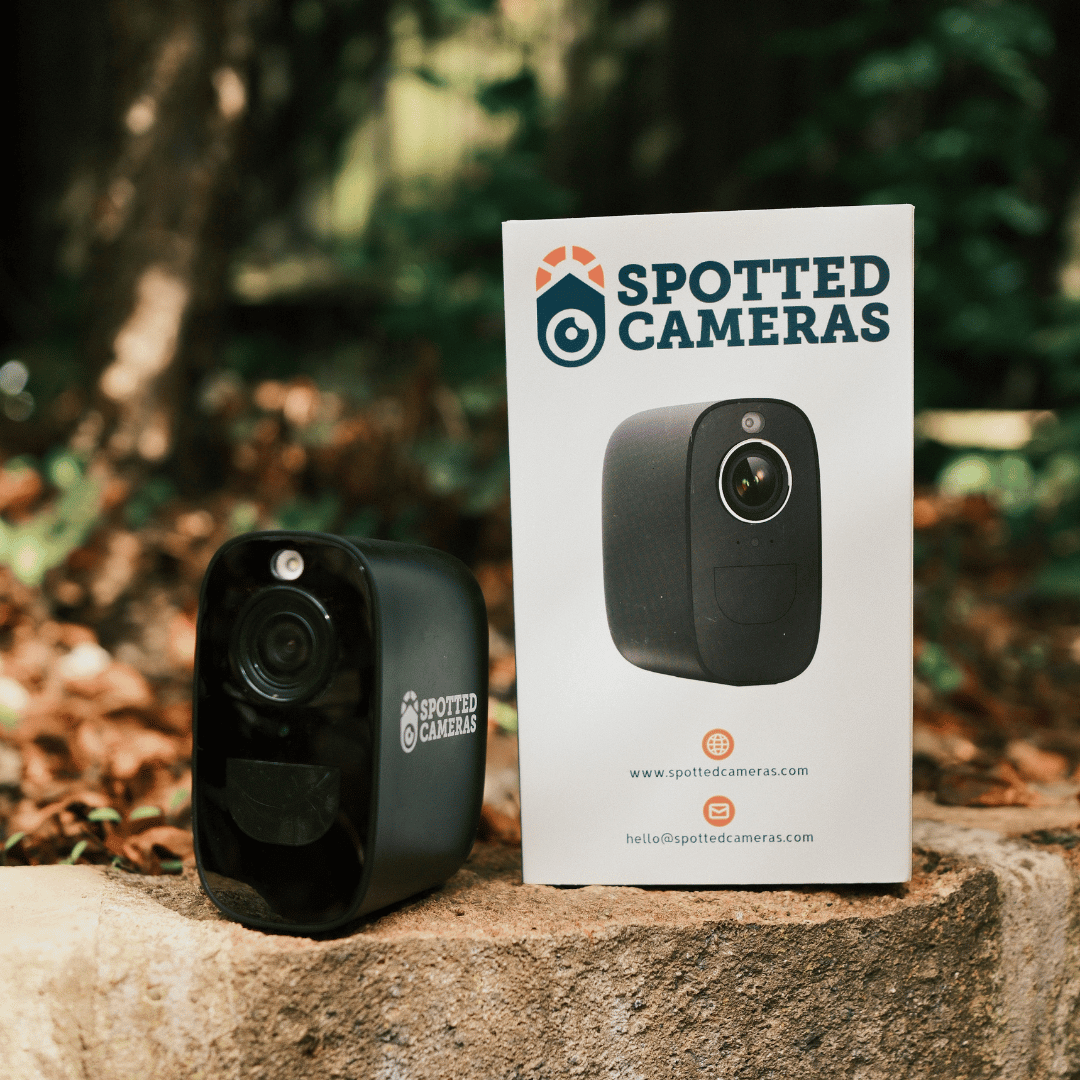

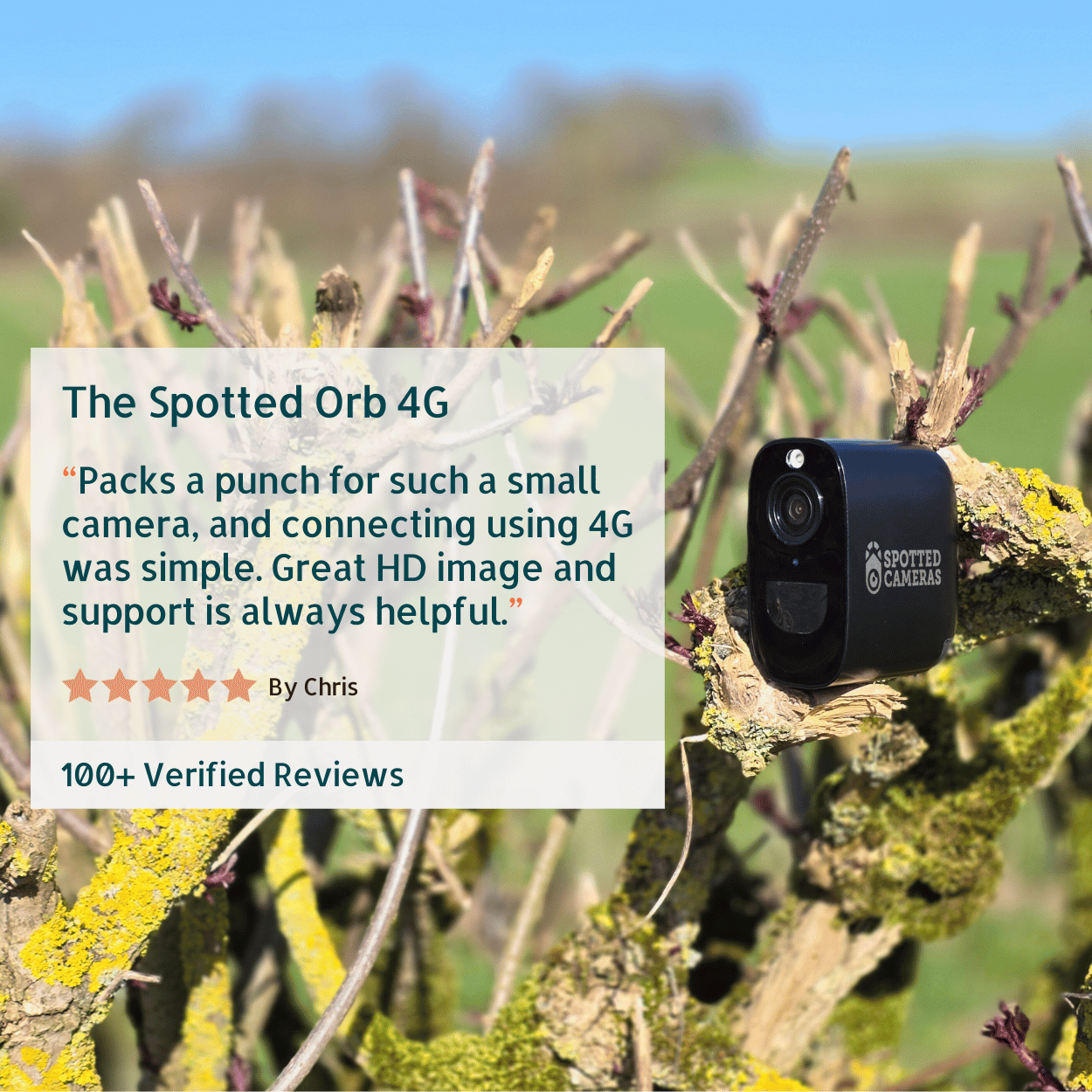
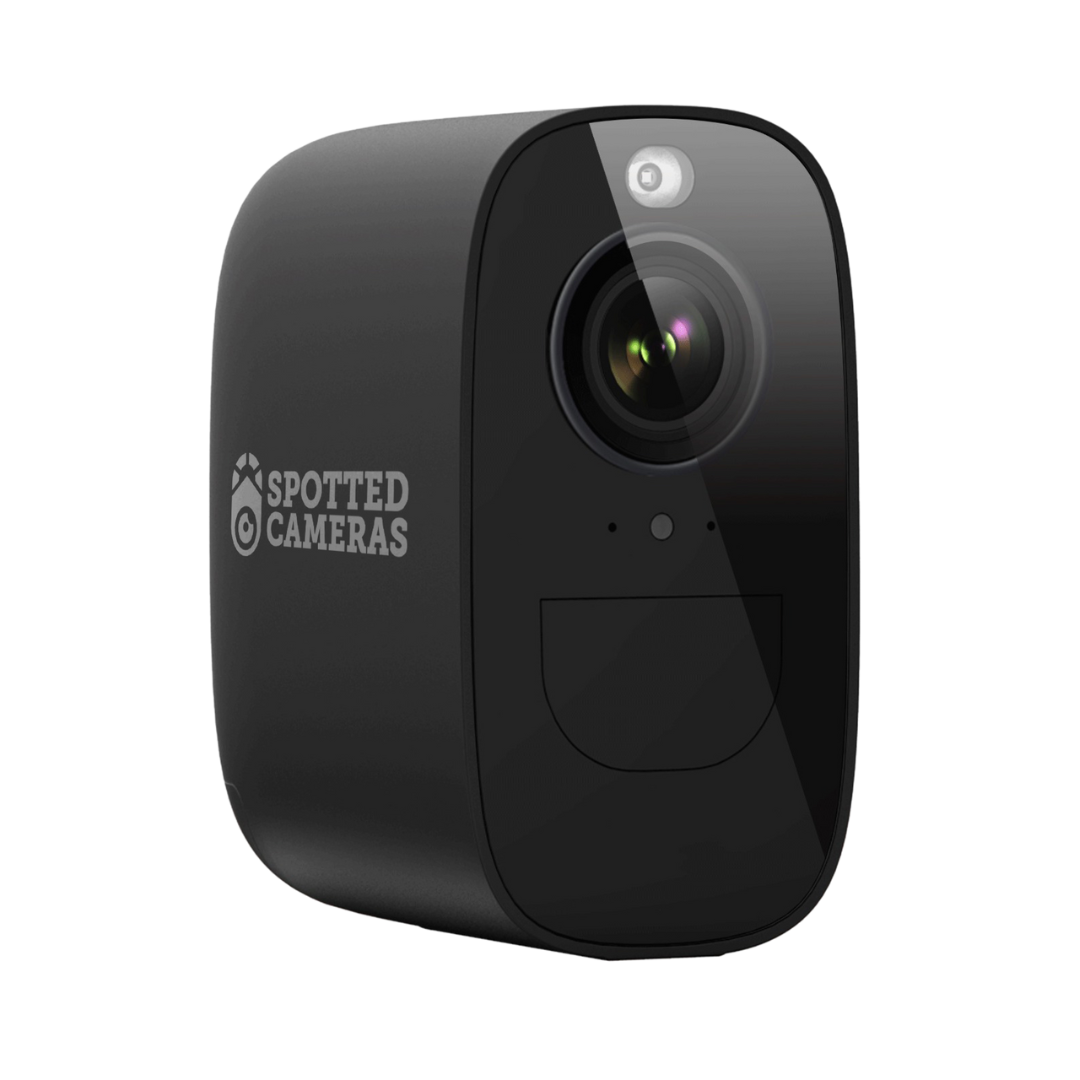
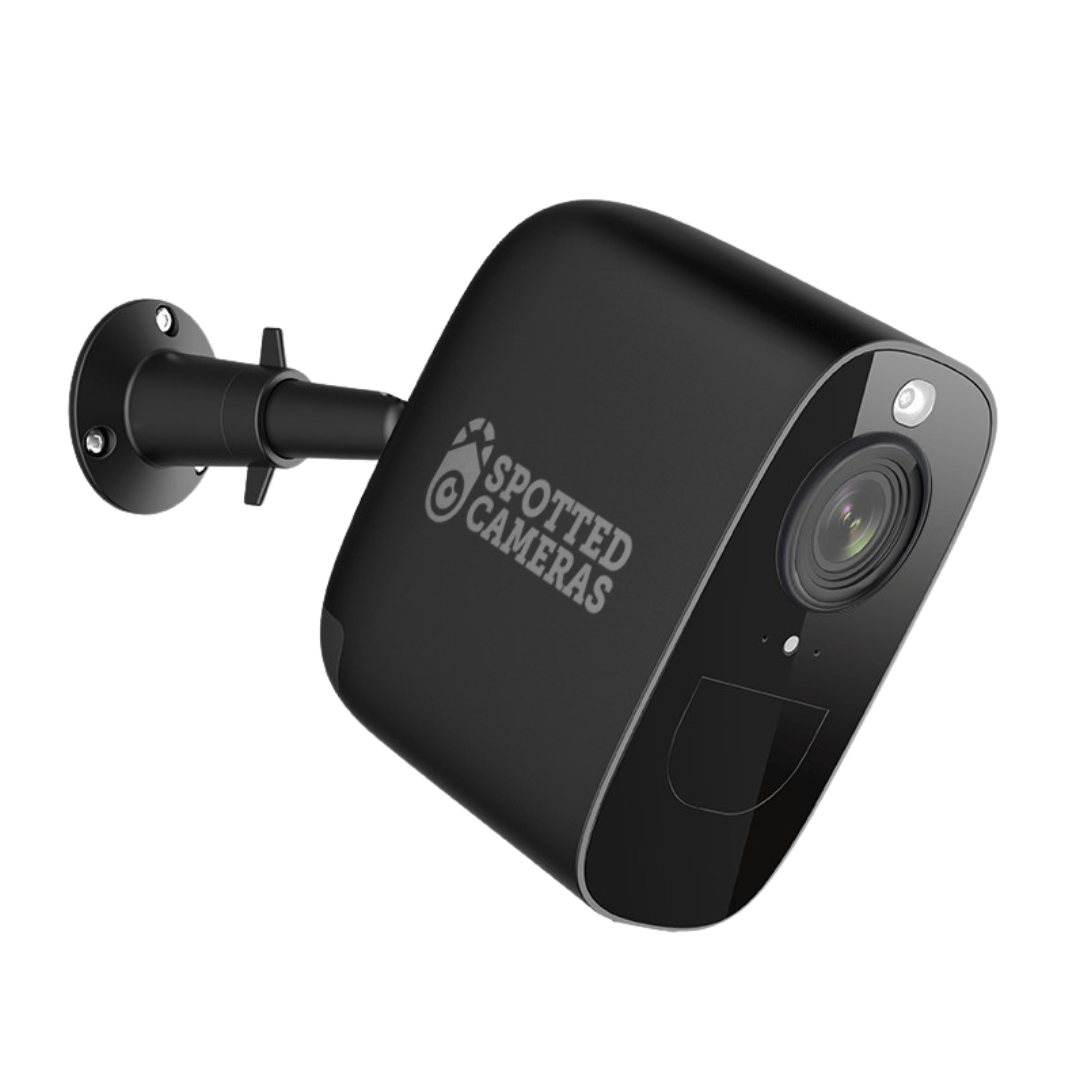
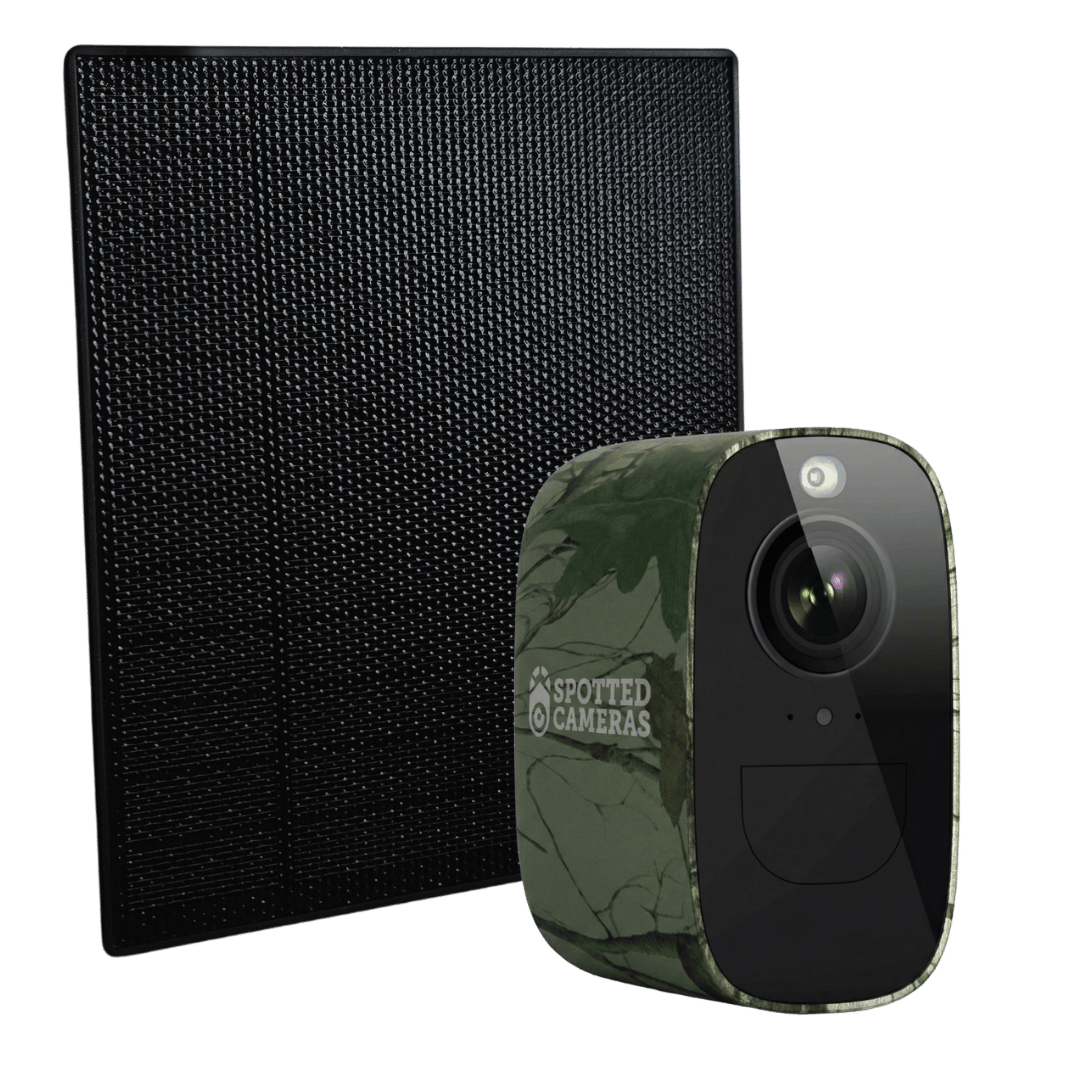
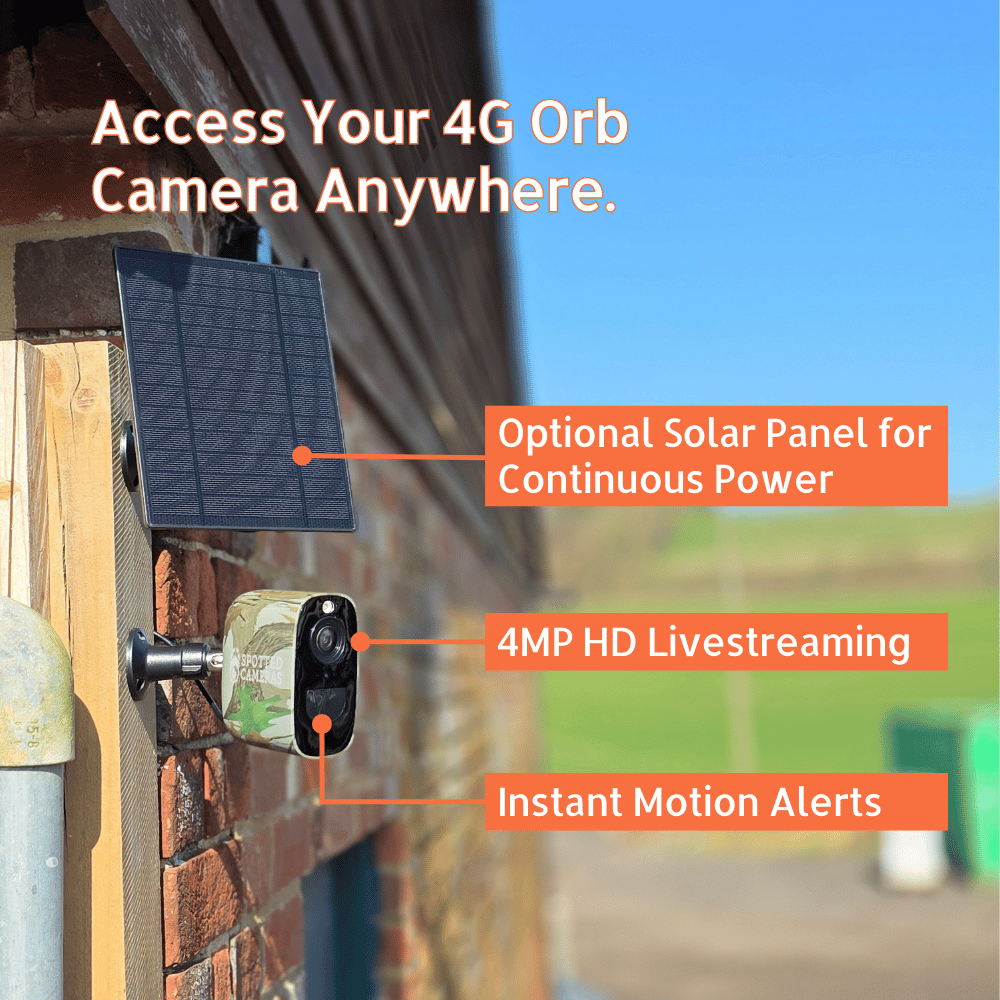
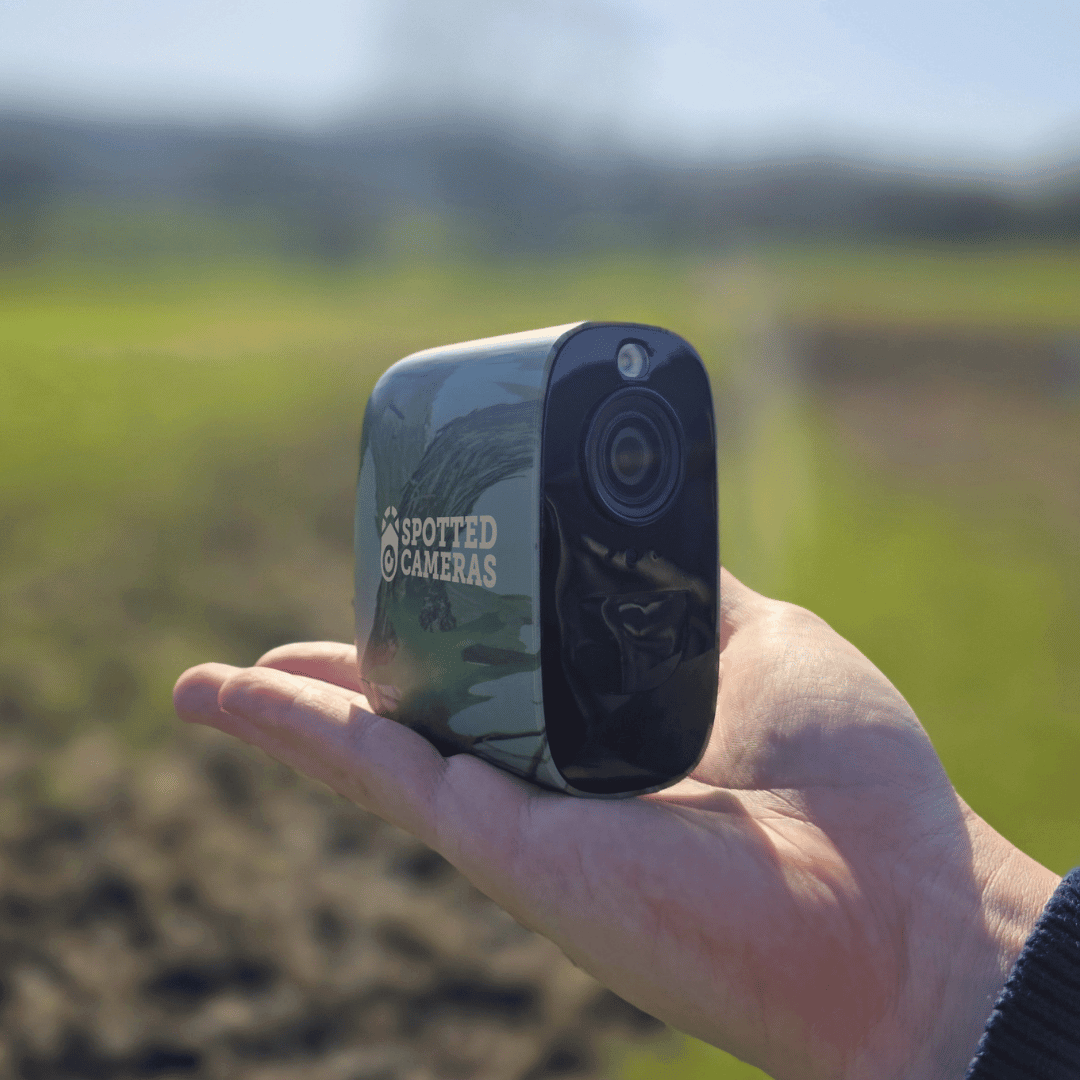
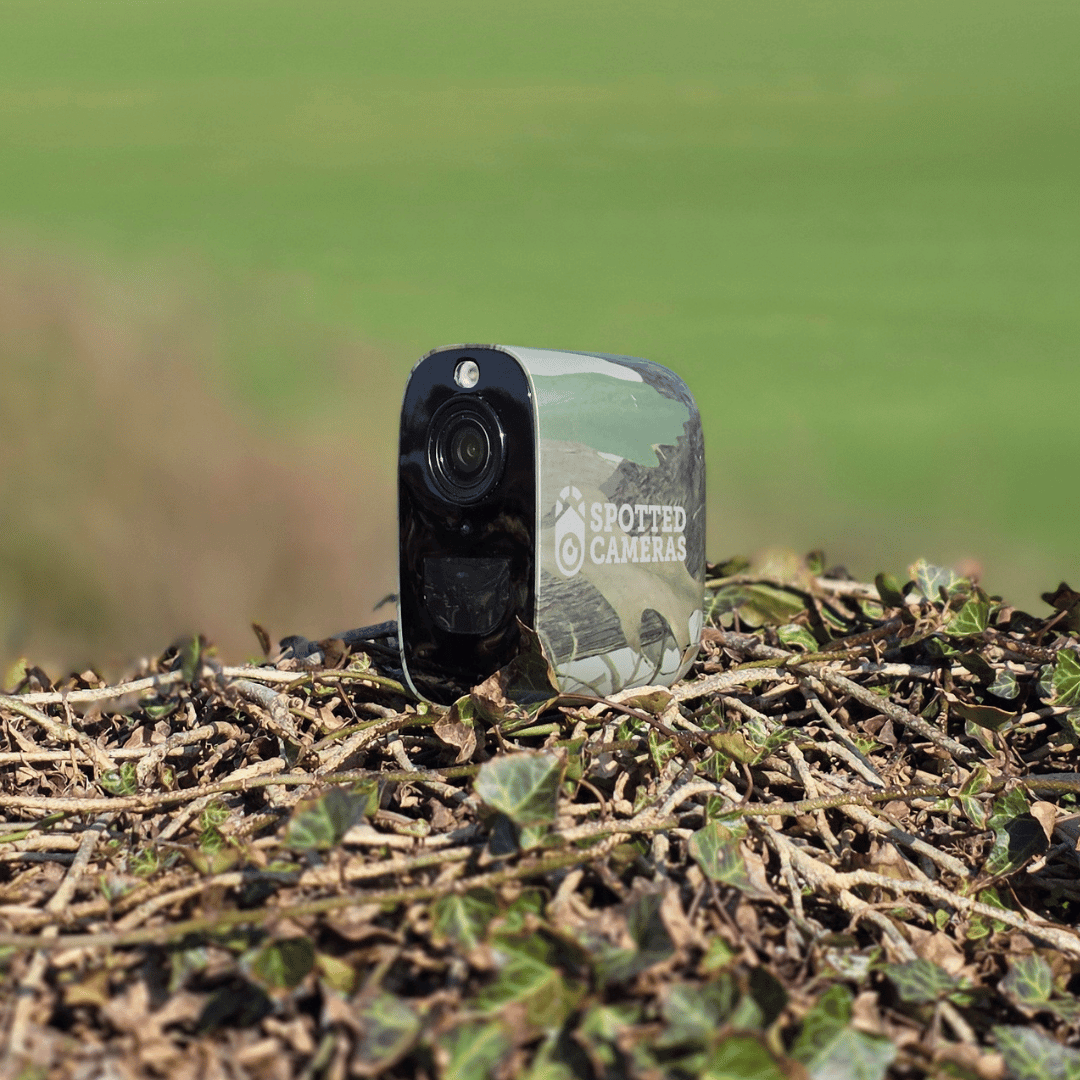
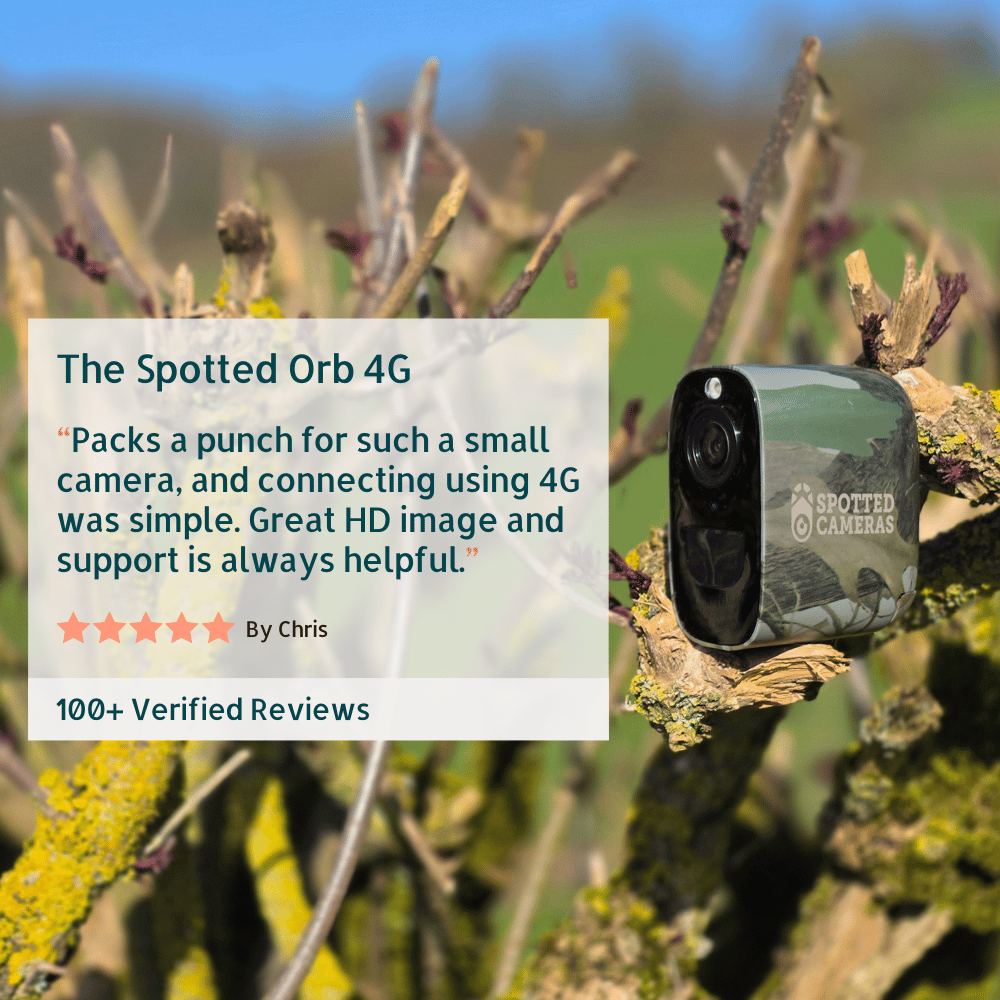
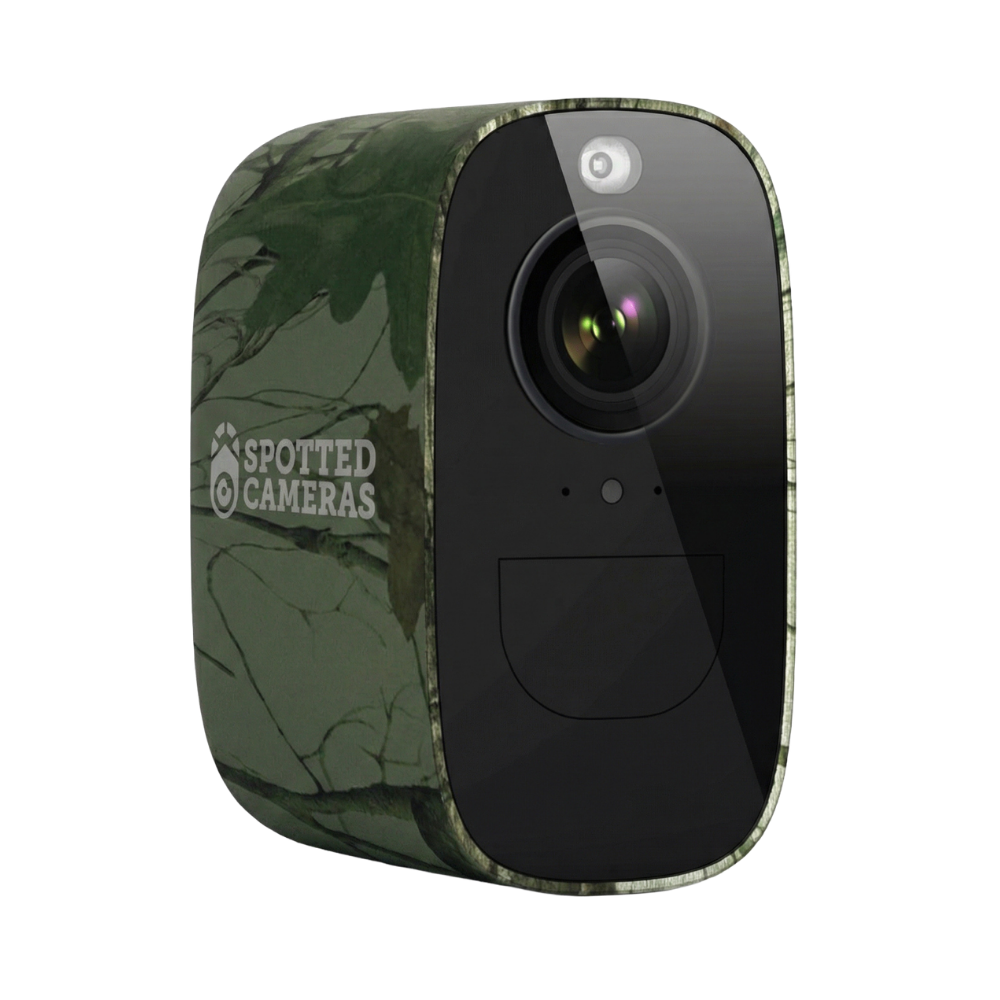
Spotted Orb 4G - Camo
Outdoor Camo finish for wildlife, farm and property monitoring.
From
A Few More Things Worth Knowing.
Does it use data when I’m not watching?
It does not continuously stream video in standby. Cloud recordings and notifications can still use data when you’re not watching, and small amounts of background connection data may be used.
How much data will I need?
It depends on how often you watch live, how long you watch for and how much video is uploaded to the cloud. Notifications use small amounts of data; video uses more. Keep check-ins brief and review your recording settings to help manage usage.
How long does the battery last?
Battery life depends on how often the camera is triggered. The camera stays in standby and only wakes up when motion is detected, which helps conserve power.
Lower-activity areas, such as wildlife trails, will generally use less battery, while busy locations such as gateways, yards and driveways will use more.
As a rough guide, with no solar panel attached and the camera running solely from its internal battery:
Busy yard entrance: around 1 month
Home driveway: around 2 to 3 months
Wildlife monitoring: around 3 to 6 months
Can I use the camera without the solar panel?
Yes. Charge the internal battery with a suitable USB-C mains adapter, then recharge when needed. Fully charge it before first use, follow the camera’s charging instructions and keep charging connections dry.
Does standby mean continuous recording?
No. This battery-saving method rests between events and wakes for detected movement or when you access the camera. It is designed for motion events and live check-ins rather than continuous recording.
Do I need WiFi anywhere?
The camera uses a 4G SIM and needs usable mobile coverage at its location. Your phone needs internet access to view the camera in the app; that can be WiFi or mobile data.